Before the season
Create teams, seasons, venues, products, count zones, integrations, and trusted administrators.

The operating system for school concessions
From the first parent signup to the final physical count, ConcessionStand.ai gives Booster Clubs, Athletic Directors, and coaches one calm way to run the stand, with one clear record of what the fundraiser produced.
A simpler selling window
With Zeffy Tap to Pay, each approved adult uses their own compatible cell phone and signs in with their own Zeffy account. The school does not need to buy, issue, or manage payment phones. Customers simply tap a card, phone, or watch.
See Tap to Pay & QR ordering →Your organization keeps the full concession price. Zeffy is supported by optional buyer contributions.
Verify the current Zeffy policy →More than a checkout screen
Most concession tools begin when the customer orders. ConcessionStand.ai begins with the schedule and stays through the reviewed closeout.
Readiness, opening, service, closing, attendance, weather, and reconciliation stay attached to the opponent and team.
Specific roles, multiple-adult requirements, confirmation emails, private release links, and QR arrival check-in.
03 / PHYSICAL INVENTORYBaseline, opening and closing counts plus purchases, donations, waste, comps, transfers, sales, and refunds.
04 / PAYMENT & PICKUPApproved adults accept Tap to Pay with Zeffy on their personal compatible phones. Fans can order by QR code from the stands for express pickup.
05 / REPORTINGCompare opponent, official attendance, weather, staffing, product margin, donated value, waste, and physical variance.
06 / SCHOOL-WIDEOrganization administrators set the standard; football, basketball, baseball, volleyball, and other programs keep their own schedules and games.
The game-day loop
Teenage volunteers see the task in front of them. The adult in charge sees the readiness checks and decisions that still need attention.
See the full workflowCreate teams, seasons, venues, products, count zones, integrations, and trusted administrators.
Verify the home event, publish shifts, confirm adult payment users, review stock, and practice the device plan.
Check in the crew, count physical stock, test every selling phone, and open one controlled selling window.
Keep sales moving while managers capture the exceptions that explain the final numbers.
Count what remains, sync payments, add official attendance, resolve exceptions, and lock the reviewed result.
Made for school ownership
Each leader gets the view they need without becoming the only person who can keep the stand running.
Protect the fundraiser and simplify parent participation. See the workflows, decisions, and reporting designed for this role.
Explore the solution →ADSee every team, season, stand, and accountable closeout. See the workflows, decisions, and reporting designed for this role.
Explore the solution →COGive each program a repeatable operating playbook. See the workflows, decisions, and reporting designed for this role.
Explore the solution →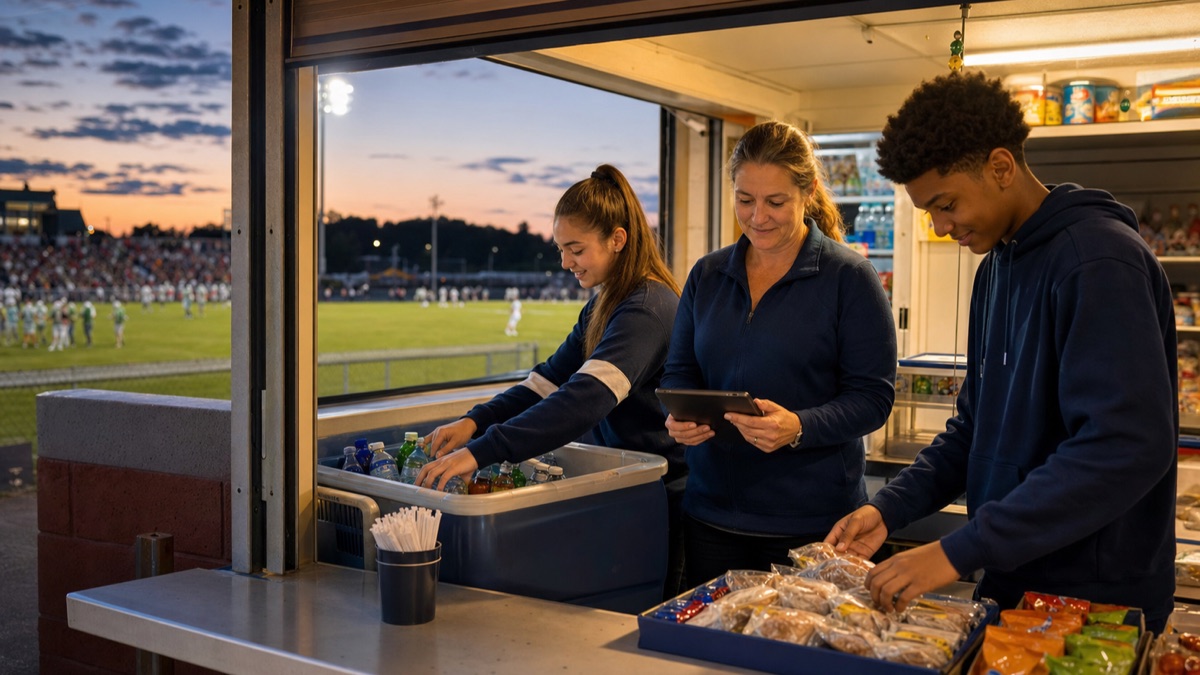
Why this product exists
“The person taking over next season should inherit a system instead of a mystery.”
ConcessionStand.ai began with a Booster Club taking over a high-school football concession stand for the first time. Every workflow starts with a question someone on the crew had to answer.
The concession operating library
Bring one home schedule, one current menu, and the way volunteers work today. We’ll map the first clean operating cycle with you.